On this page
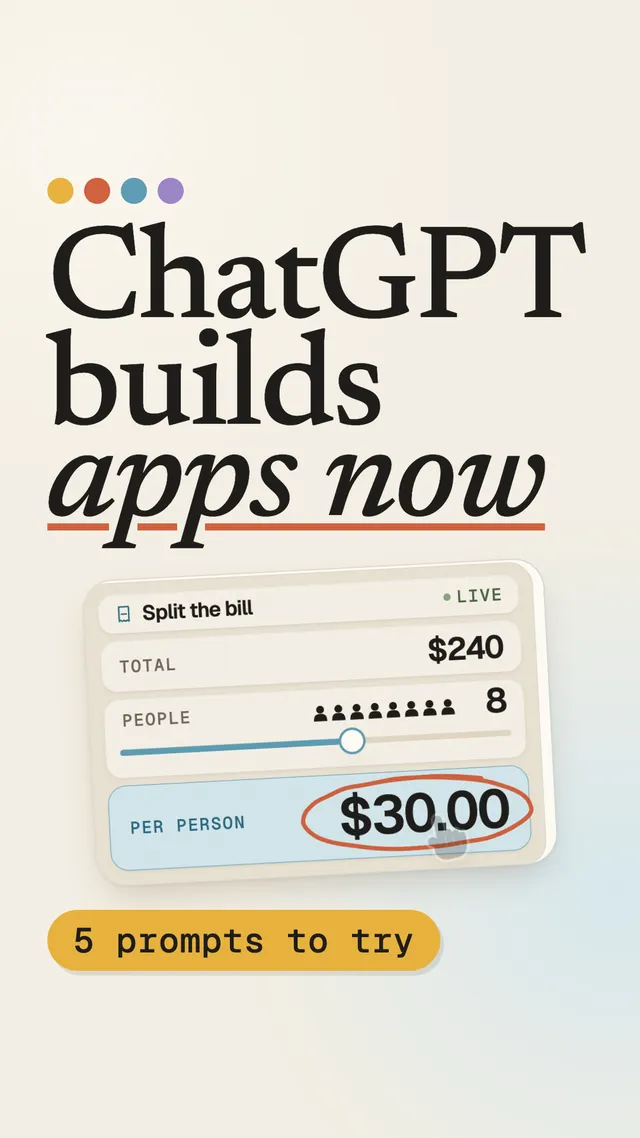
Ask ChatGPT to split a $240 dinner between six people. A year ago you got a paragraph and some arithmetic. Now you can get a small calculator: drag the number of people to eight and the per-person amount updates on the spot.
That is Intelligent UI. OpenAI shipped it with GPT-6 on October 7, 2026 (paid plans first, Free and Go a day later), in the Chat tab. OpenAI’s stated goal is to make answers more visual and complex topics easier to grasp, with interactive tools when you need them. ChatGPT decides on its own when a table, a diagram, a map or a tiny app beats plain text, and you can tell it to use fewer visuals.
I wanted to know how it actually works, so I checked a widely shared teardown by Thesys against OpenAI’s own publicly served code and two independent analyses. The short version: the core of it holds up. Below is the pipeline, a simplified example of what the model writes, what’s safe about it, what I could and couldn’t verify, and what to copy if you build apps.
What is ChatGPT’s Intelligent UI?
Intelligent UI is ChatGPT’s way of answering with interactive components instead of only text: sliders, forms, tables, charts, diagrams, maps and small tools, rendered inside the conversation. They are not embedded web pages. OpenAI describes the system as a library of native, streamable components with a compiler, and the interfaces respond to input without you typing another message.
How it works: the pipeline in four steps
Think of it like LEGO. ChatGPT has its own box of bricks. The model doesn’t build the toy itself; it writes the instructions. A compiler checks those instructions, a robot assembles the toy in a sealed room, and you get to play with it.
| Step | What happens | Where it runs | Evidence |
|---|---|---|---|
| 1. Write | The model writes a compact interface description (DIL) | OpenAI model | Independent captures |
| 2. Compile | Partial output is repaired, made safe and turned into a program + data | OpenAI backend | Captured message metadata |
| 3. Run | The program executes in a locked-down sandbox and produces UI updates | Your browser (sandboxed worker) | OpenAI’s public runner code |
| 4. Draw | ChatGPT renders the updates with its own native components | ChatGPT client | Captures and press reports |
1. The model writes instructions, not a website
When ChatGPT decides an interface helps, the model writes a compact description of it: some text, a few component tags, a little logic.
Technically: independent captures show the output mixes Markdown for prose, JSX-like component tags and small JavaScript statements for state. Internal identifiers call this format DIL. OpenAI hasn’t publicly named it.
2. A compiler checks and repairs them
Before anything reaches your screen, the instructions are compiled. Half-written parts are repaired while the answer streams, risky expressions are isolated so one bad piece can’t crash the whole answer, and a plain-text fallback is kept for clients that can’t show the interface.
Technically: the compiled program and its data arrive as message metadata (
model_dil_v2), with expressions wrapped in a safety helper (__dilSafe), static text moved into a constants table, and afallbackMarkdownversion alongside.
3. It runs in a sealed room
The program never runs in the ChatGPT page itself. It runs in a locked-down sandbox with no network access, and a watchdog stops anything that hangs.
Technically: OpenAI’s publicly served
runner.htmlsets adefault-src 'none'content security policy. Its worker strips network access, timers, messaging and dynamic code evaluation before running the program, and quarantines programs that stop responding. Inside, a small React-style reconciler turns the program into UI updates.
4. ChatGPT draws it with its own bricks
The sandbox doesn’t draw pixels. It sends updates to ChatGPT, which draws them with its own native components. That’s why every generated tool looks like ChatGPT, and why the model can’t inject arbitrary markup. When you need the model again, a button sends a new message for you.
Technically: the runtime exposes a small set of actions to the program, including
issueNewTurn(send a new message),copy,openUrlandopenEntityDetail. Tool results are referenced by ID rather than retyped by the model.
Because the program and its state live on your side, interactions like dragging a slider are handled locally. That’s what makes it feel instant. (The architecture clearly supports this; I haven’t seen an independent network test that measures it directly.)
What does DIL look like?
Here is a simplified example I wrote in the style of the captured outputs. It is illustrative, not a copy of a real ChatGPT response:
## Split the bill
{@body const [people, setPeople] = DIL.useState(6)}
{@body const each = 240 / people}
<box padding={3} gap={2}>
  <slider min={1} max={12} value={people} onChange={setPeople} />
  <title size="xl">${each} per person</title>
</box>
Three things to notice:
- Markdown and components live together. The heading is plain Markdown;
box,sliderandtitleare components ChatGPT already knows how to draw. - State is declared, not hand-wired.
useStateholds the number of people; the price is derived from it. Move the slider and only that state changes. - Styling is tokens, not CSS.
padding={3}refers to a spacing step in ChatGPT’s design system, so the result always looks native.
Is ChatGPT’s Intelligent UI safe?
The design treats model output as untrusted code, which is the right default:
- No direct execution in the page. The program runs in a separate, sandboxed context, not in ChatGPT’s own page.
- No network from the sandbox. The runner’s content security policy blocks outgoing requests, and the worker removes network and messaging APIs before evaluation.
- Only known components render. The page draws components from ChatGPT’s own catalog, so the model can’t introduce arbitrary markup.
- Failures stay small. Expressions are isolated, and a program that hangs is quarantined.
Safe is not the same as correct, though. A generated calculator can still compute the wrong thing, so check numbers that matter.
5 prompts to try
You don’t need special syntax. Name the inputs you want to control, give starting values, and ask for live updates.
- Bill splitter: “Make a bill splitter. Inputs: total, people, tip %. Update per-person live.”
- Tutor: “Explain how a plane wing makes lift with an interactive diagram.”
- Budget: “Make a monthly budget tool: income, rent, food, fun. Show what’s left.”
- Trip planner: “Plan a 3-day hike near Cappadocia with a map and day tabs.”
- For app builders: “Make an App Store metadata counter: name 30, subtitle 30, keywords 100 chars. Flag duplicate words.”
What app builders should copy
If you’re adding AI to a mobile app, this design is worth stealing. Three patterns:
- Give the AI a catalog, not a canvas. Let the model choose from components you already ship, styled by your design tokens. Your AI features will look like your app, and the model can’t produce something you can’t render.
- Validate before users see it. Treat model output as untrusted input: parse it, drop what doesn’t fit your schema, isolate failures, and keep a plain-text fallback.
- Keep interactions local. Once the AI has produced a tool, let the user play with it on-device. Call the model only when the user asks for something new. It’s faster and much cheaper.
How I verified this
I split the Thesys teardown into 31 claims and looked for at least two sources independent of Thesys for each one: OpenAI’s own announcement and publicly served runner code, press coverage, and two independent captures on GitHub. The result: 15 confirmed, 11 partly confirmed, 5 unverified, 0 contradicted.
Update, October 14: the teardown’s author, Rabi Shanker Guha, shared how he tested two claims. He counted components by asking ChatGPT to design every possible screen. And when he filled in and submitted a generated form, then refreshed, the values were gone (tested at launch). That fits OpenAI saying only some components keep state, so I moved the reload claim from contradicted to partly confirmed.
| Claim | Status | Independent evidence |
|---|---|---|
| GPT-6 and Intelligent UI launched Oct 7–8, 2026, Chat tab only | Confirmed | OpenAI on X, MacRumors, TechCrunch |
| Interfaces use ChatGPT’s native components, not web pages | Confirmed | MacRumors (OpenAI quote), independent capture |
| The model writes a Markdown + JSX-like + JS format (DIL) | Confirmed | Two independent captures, exporter probe |
Output is compiled into a program + data (model_dil_v2) |
Confirmed | Two independent captures |
Sandboxed runner with default-src 'none' and a locked-down worker |
Confirmed | OpenAI’s public runner code, independent analysis |
Actions: issueNewTurn, copy, openUrl, openEntityDetail |
Confirmed | OpenAI’s public runner code, independent capture |
| Dragging a slider doesn’t call the model | Partly | Architecture supports it; no direct network test |
| ~70 native components, 39 observed | Unverified | Thesys only (counted by prompting every screen) |
| “AppBlock” HTML fallback in an iframe | Unverified | Thesys only |
| The model can’t see interface state | Unverified | Thesys only; disputed |
| Interface state resets on reload | Partly | Author’s launch test: form values lost on reload; OpenAI help article: some components keep state |
Watch the 70-second version
The Short below walks through all five prompts and the LEGO idea in about a minute.
Frequently asked questions
Do I need a special command to get Intelligent UI?
No. ChatGPT chooses the format itself. You get better tools when you name the inputs you want to control, give starting values, and say the result should update live.
Can I turn it off?
You can reduce how often ChatGPT uses visuals in its settings. Press reports did not mention a full off switch.
Is the math in these tools reliable?
Treat it like any generated code: check the result against an example you already know before you rely on it.
Does moving a slider call the AI again?
The architecture is built so it doesn't: the program and its state run locally in a sandboxed worker. I have not seen an independent network test that confirms this directly.
Sources
- OpenAI on X — GPT-6 and Intelligent UI, October 7, 2026
- MacRumors — ChatGPT Intelligent UI
- TechCrunch — ChatGPT is getting a lot more visual
- OpenAI's public sandbox runner (runner.html)
- Independent capture and analysis (Disdjj/intelligent-ui-demo)
- Independent exporter probe (aweffr/chatgpt-markdown-exporter)
- Thesys — How ChatGPT's Intelligent UI works (original teardown)